Switch startup disks in one click. Directly from your menu bar.
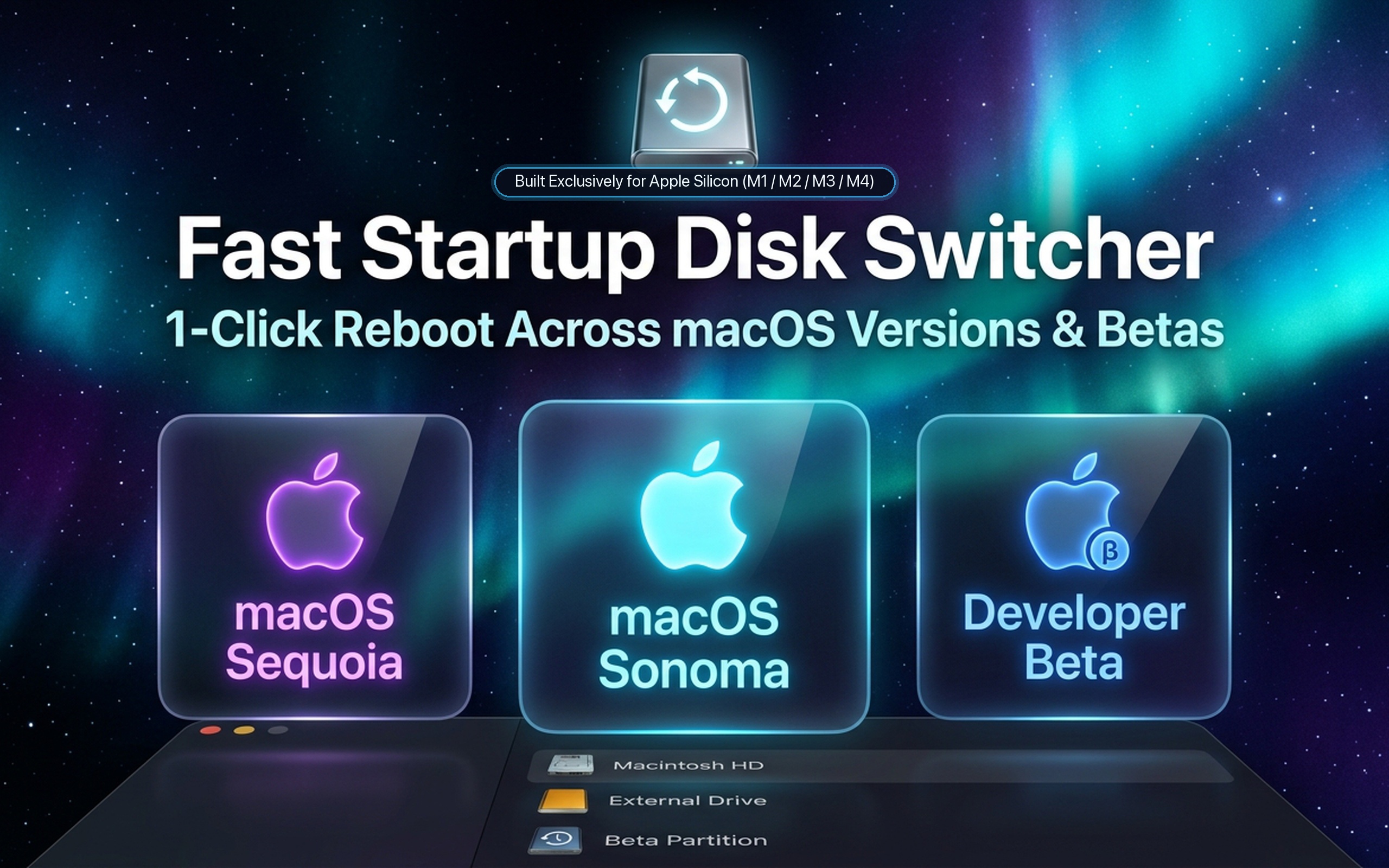
RebootTo is a lightweight macOS menu bar and Dock utility for switching between macOS versions, Built Exclusively for Apple Silicon (M1 / M2 / M3 / M4). Switch effortlessly between APFS installations, test releases, and developer betas with temporary one-time reboots, automatic app closing, and safety confirmation countdowns.
Enjoy a full 7-day free trial. Unlock the lifetime license with a one-time $4.99 USD purchase.
One-Time vs. Permanent Boot
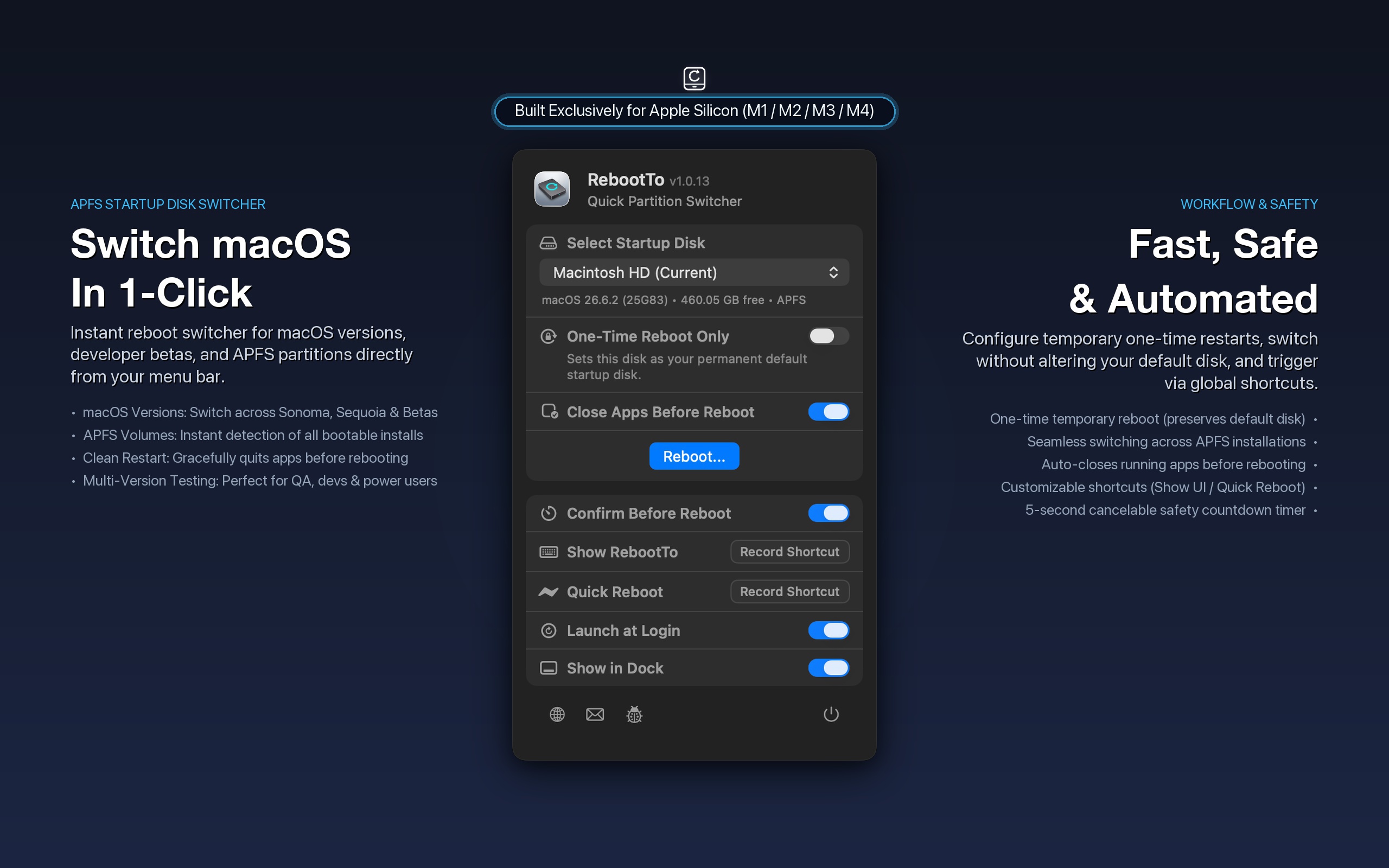
Choose whether to reboot into a secondary partition temporarily for the next restart only, or set it as your permanent startup disk.
Dual Global Shortcuts
Customize global hotkeys to toggle the menu bar interface (⌥⌘R) or initiate a safety-confirmed restart instantly from anywhere (⌃⌥⌘R).
Safety Confirmation Timer
A 5-second cancelable countdown modal prevents accidental restarts. Click cancel at any moment to safely abort the reboot.
Close Apps Before Reboot
Optionally and gracefully terminates all running user applications before initiating restart, ensuring no unsaved document dialogs block rebooting.
Hardened Runtime Security
Executes privileged NVRAM operations via an isolated, sandboxed launch daemon signed with an official Apple Developer ID.
10 Native Languages
Fully localized in English, German, French, Spanish, Italian, Portuguese, Japanese, Korean, Chinese, and Russian.
System Requirements
macOS 13.0 Ventura or later. Fully compatible with macOS Sonoma, Sequoia, Tahoe, and GoldenState.
Hardware Support
Built Exclusively for Apple Silicon (M1 / M2 / M3 / M4, Pro, Max, Ultra). Optimized native arm64 architecture.
Supported Partitions
Autodetects all bootable APFS macOS volumes across internal and external drives.
Frequently Asked Questions
Learn how RebootTo accelerates startup disk and partition switching on Apple Silicon Macs.
How does RebootTo switch startup disks faster than macOS System Settings?
In macOS System Settings, switching boot partitions requires opening General > Startup Disk, unlocking system settings with Touch ID or administrator credentials, selecting your target volume, and confirming a restart. RebootTo sits conveniently in your macOS menu bar and Dock, automatically detects all bootable APFS installations, and triggers a restart in a single click or keyboard shortcut.
What is the Temporary One-Time Reboot mode?
Temporary one-time reboot blesses a target partition for the immediate next boot only. This is ideal for developers testing an app on a beta partition (e.g. macOS Sequoia or Tahoe) or QA running compatibility checks. Once you finish and restart again, your Mac automatically boots straight back to your primary daily driver macOS without needing manual configuration.
Is RebootTo built for Apple Silicon (M1 / M2 / M3 / M4)?
Yes. RebootTo is engineered exclusively for Apple Silicon architecture (M1, M2, M3, M4, including Pro, Max, and Ultra). It is built with native ARM64 instructions, ensuring lightning-fast execution and full compatibility with Apple's modern boot architecture.
How does RebootTo safely handle unsaved documents before restarting?
RebootTo features a graceful app-close routine that asks running applications to terminate prior to initiating the reboot. Furthermore, an interactive 5-second safety timer modal counts down with an immediate Cancel button, preventing unintended reboots.
Why does RebootTo install a privileged helper tool?
Configuring startup blessing on macOS NVRAM requires elevated system permissions. Instead of prompting for your administrator password on every restart, RebootTo installs a secure, sandboxed background launch daemon signed with an official Apple Developer ID and notarized by Apple.