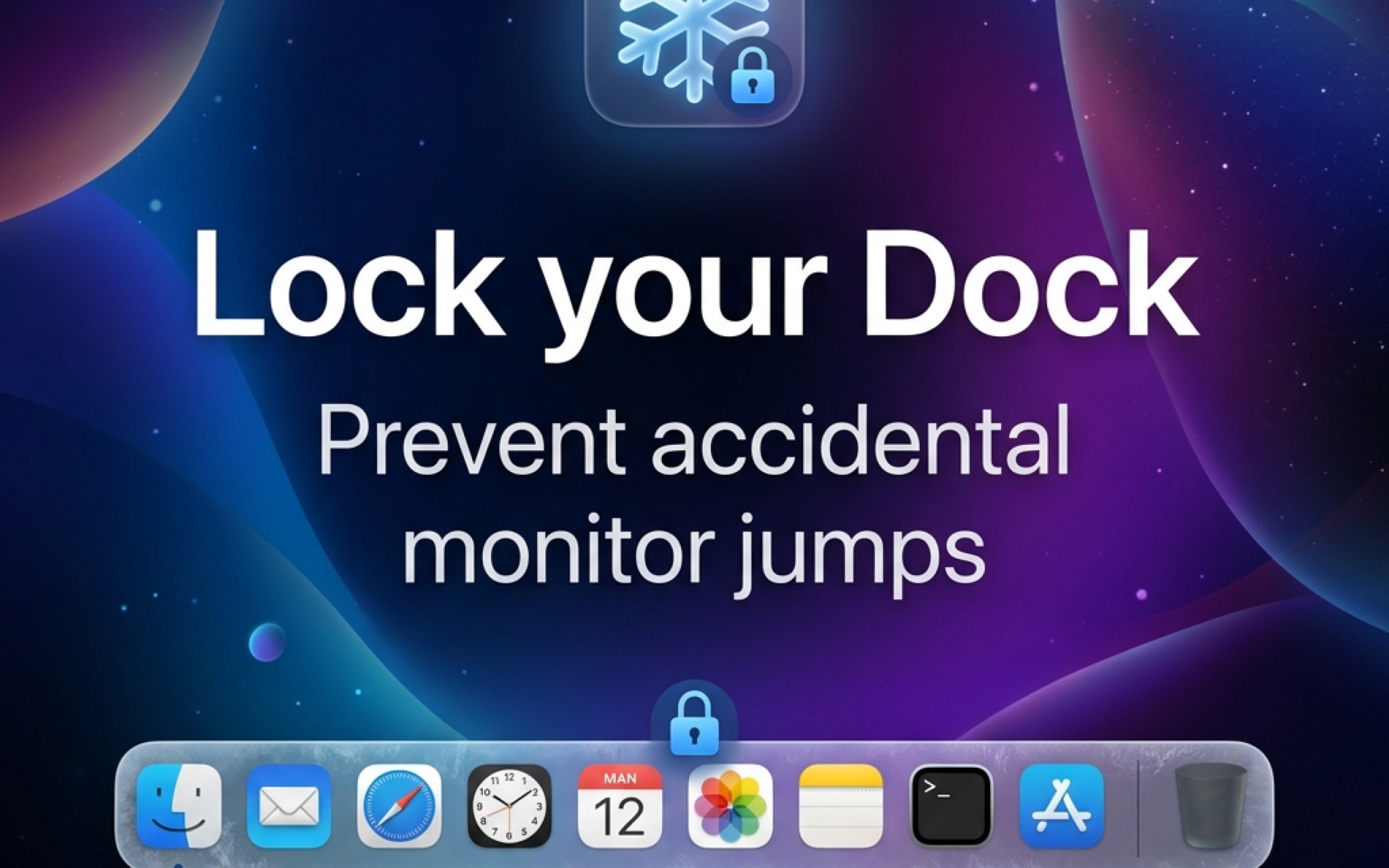
Stop chasing your Dock across screens.
DockFreeze is a lightweight macOS menu bar utility that locks your Dock to a single display. No more accidental migrations when your mouse hits the bottom edge of a different monitor.
Enjoy a 7-day free trial. Unlock the lifetime license with a one-time 4.99 USD in-app purchase.
Built-In or External
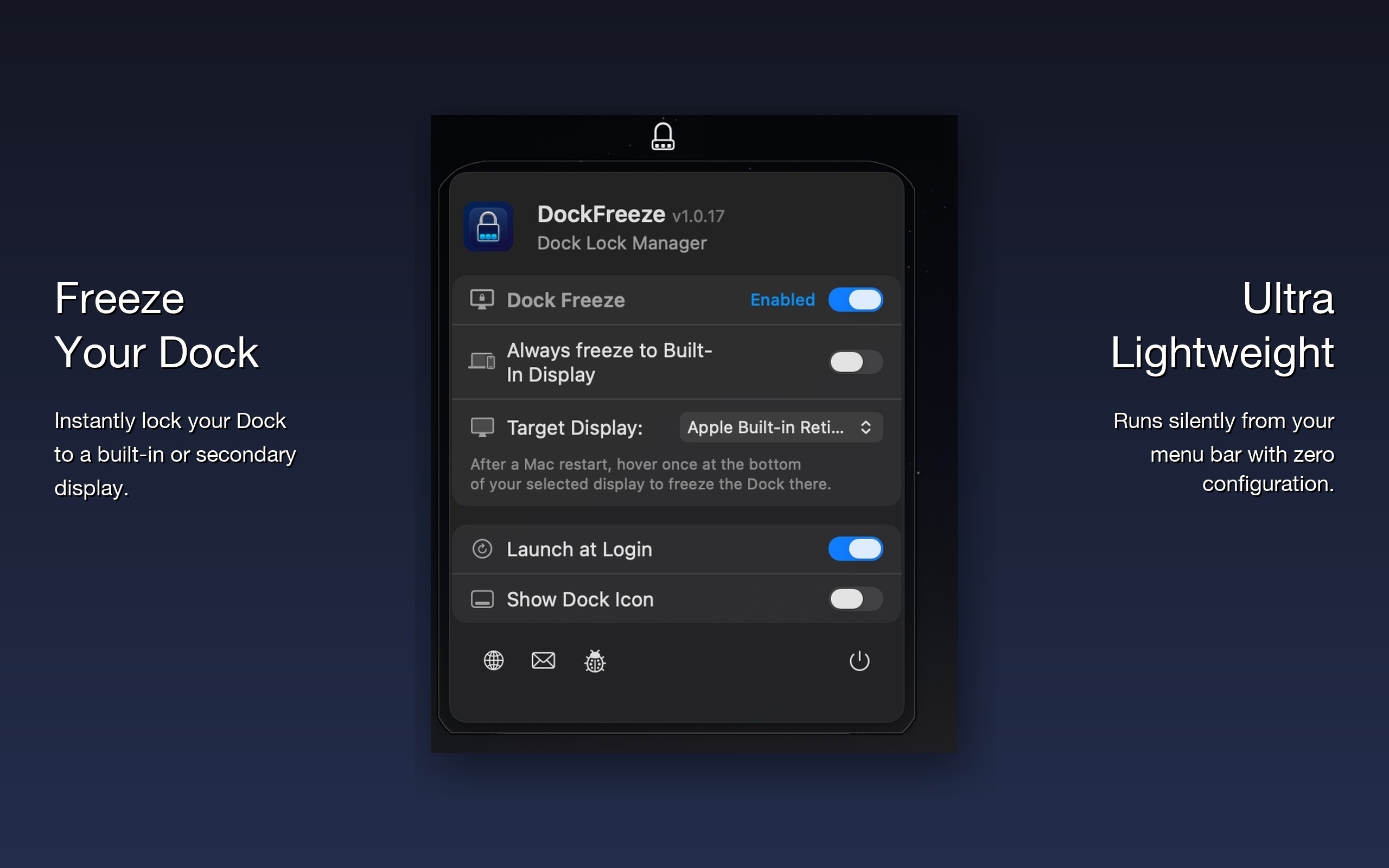
Force the Dock to stay on your MacBook screen, or select a specific external monitor. DockFreeze detects hot-plugged displays instantly.
Multi-Display Aware
Works flawlessly across 2, 3, or even 4 monitors. Choose the exact manufacturer display (Dell, LG, Acer) you want the Dock pinned to.
Zero Footprint
A native Swift menu-bar app that uses virtually 0% CPU. It stays completely out of your way until you click the menu icon.
Frequently Asked Questions
Everything you need to know about locking your Mac Dock across multiple displays.
Why does my macOS Dock keep jumping to my other monitor?
By default in macOS (when "Displays have separate Spaces" is enabled), dragging your cursor past the bottom edge of any monitor summons the Dock to that display. If you frequently move between windows on multi-monitor setups, the Dock repeatedly jumps where you don't want it. DockFreeze locks the Dock to your chosen display and prevents this annoying migration.
Can I lock the Dock to an external monitor or my MacBook screen?
Yes. DockFreeze gives you full control to pin the Dock to your MacBook's built-in Retina display, or lock it to an external display (Apple Studio Display, Dell UltraSharp, LG UltraFine, Samsung, ASUS, etc.).
Does DockFreeze drain battery or slow down my Mac?
No. DockFreeze is built in 100% native Swift without bloated web engines or Electron. It consumes virtually 0% idle CPU and requires negligible RAM, making it completely imperceptible to battery life.
What happens when I unplug my external monitor?
DockFreeze features smart display hot-plug autodetection. When you disconnect your external monitor, your Dock gracefully returns to your built-in screen. Once you plug back into your desk setup, DockFreeze restores your locked configuration automatically.
Which versions of macOS are supported?
DockFreeze is engineered for modern macOS releases, including macOS 12 Monterey, macOS 13 Ventura, macOS 14 Sonoma, and macOS 15 Sequoia on both Apple Silicon (M1/M2/M3/M4) and Intel Macs.